
Introduction
If you’ve ever searched for something on Google, you’ve probably noticed that some websites always seem to rank at the top. Have you ever wondered why? The secret is not just having good content but also optimizing your website so that both search engines and readers understand it clearly. This process is called on-page SEO.
For beginners, on-page SEO might sound a little technical. But don’t worry this guide breaks it down in simple terms with clear steps you can follow. By the end, you’ll know exactly how to optimize your pages to boost traffic, improve rankings, and create a better user experience.
What is On-Page SEO?
On-page SEO refers to all the optimizations you make on your website’s pages to help them rank higher in search engines. Unlike off-page SEO (like backlinks or social signals), on-page SEO is completely under your control.
Think of it like decorating and organizing your store: if everything is clear, neat, and appealing, customers will stay longer. Similarly, if your website is optimized, search engines will recommend it to more people.
Why On-Page SEO is Important
Search engines understand your content better.
Improves user experience by making your site easy to read and navigate.
Increases chances of ranking for multiple keywords.
Boosts click-through rate (CTR) with optimized titles and descriptions.
📌 Example: Imagine you have a blog titled “Best Digital Marketing Tools.” If you use proper headings, write a clear meta description, and optimize images, Google is far more likely to recommend it over an unoptimized article.
Key Elements of On-Page SEO (Beginner-Friendly Checklist)
1. Title Tags
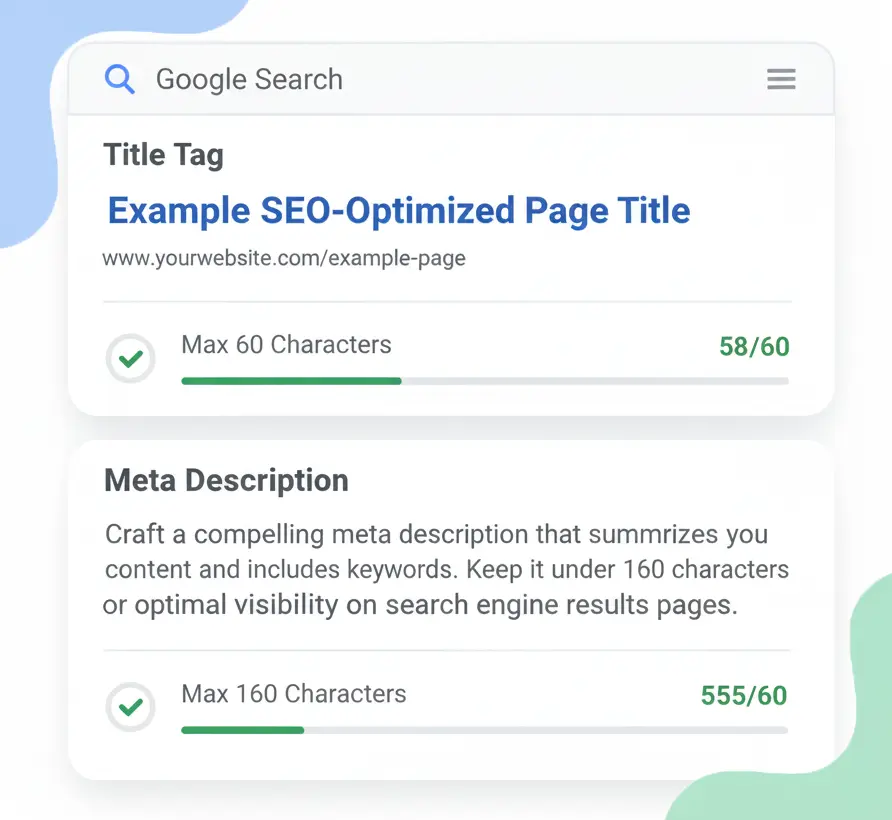
Your title tag is what people see first on Google.
Keep it under 60 characters.
Place your primary keyword at the beginning.
Make it engaging (use numbers, years, or action words).
💡 Example: “On-Page SEO Guide 2025: Beginner’s Step-by-Step Tips”
2. Meta Descriptions
The short snippet under your page title in Google.
Limit to 155–160 characters.
Include your keyword naturally.
Add a small call-to-action (e.g., “Learn more”).
💡 Example: “Learn on-page SEO basics in 2025. Easy tips to optimize your site and rank higher on Google.”
3. Heading Tags (H1, H2, H3)
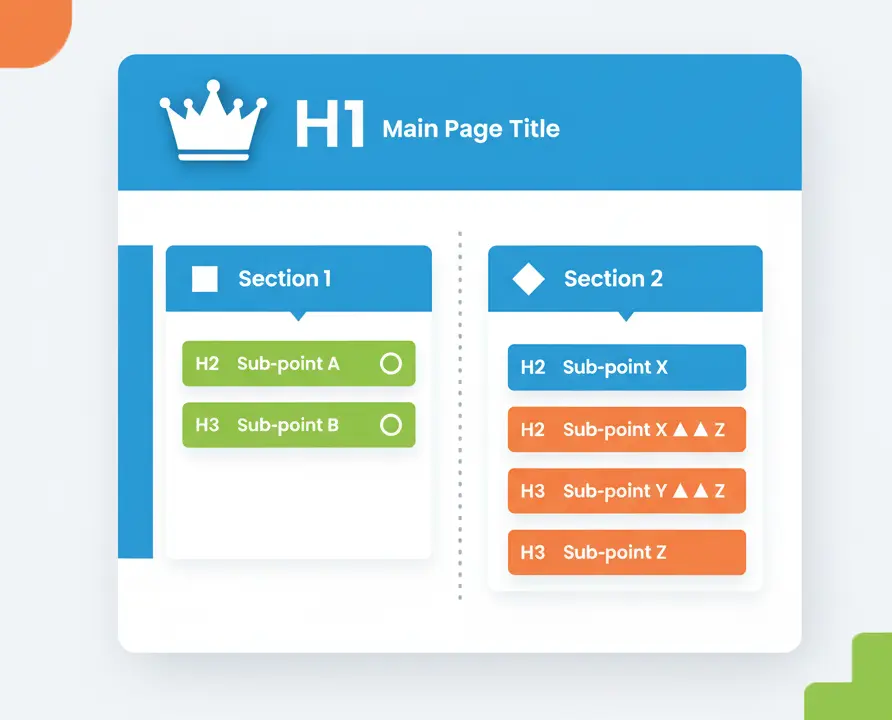
Headings organize your content for both readers and search engines.
H1 = main title (use once).
H2 = major sections.
H3 = sub-sections under H2.
This makes your content easier to scan.
4. Keyword Placement
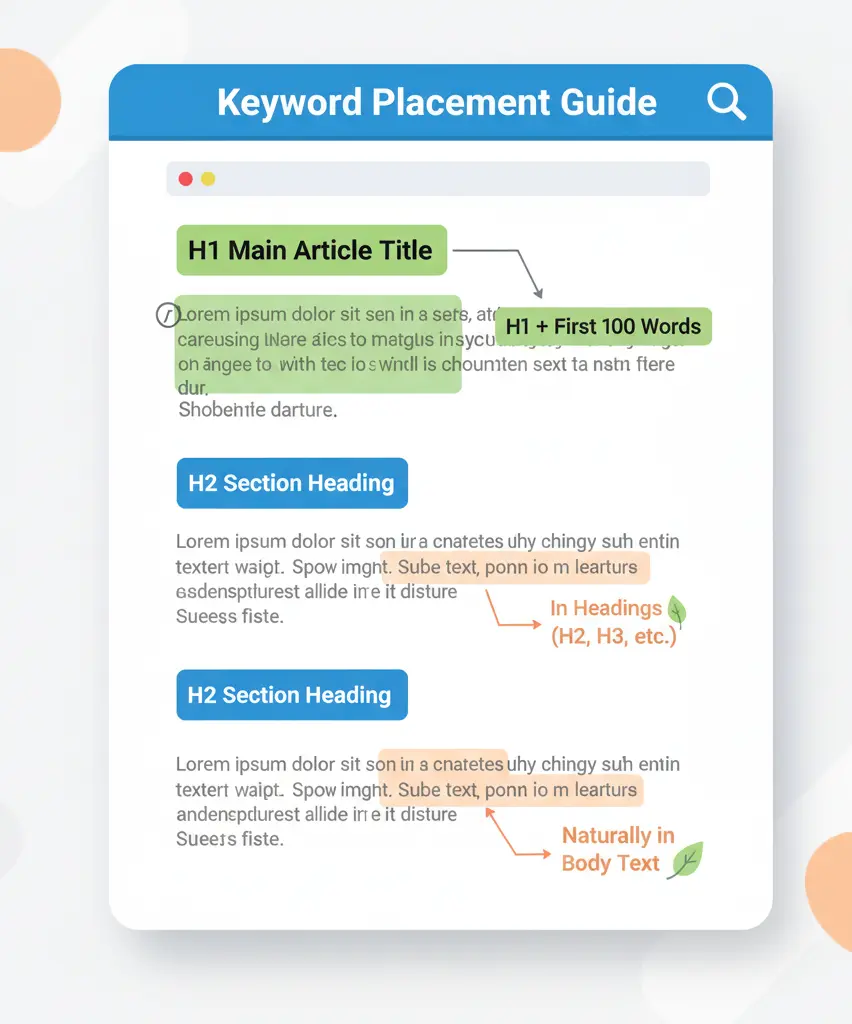
Keywords help search engines know what your page is about.
Use the main keyword in the first 100 words.
Sprinkle naturally in headings and content.
Don’t stuff keywords—write for humans first.
5. Internal Linking
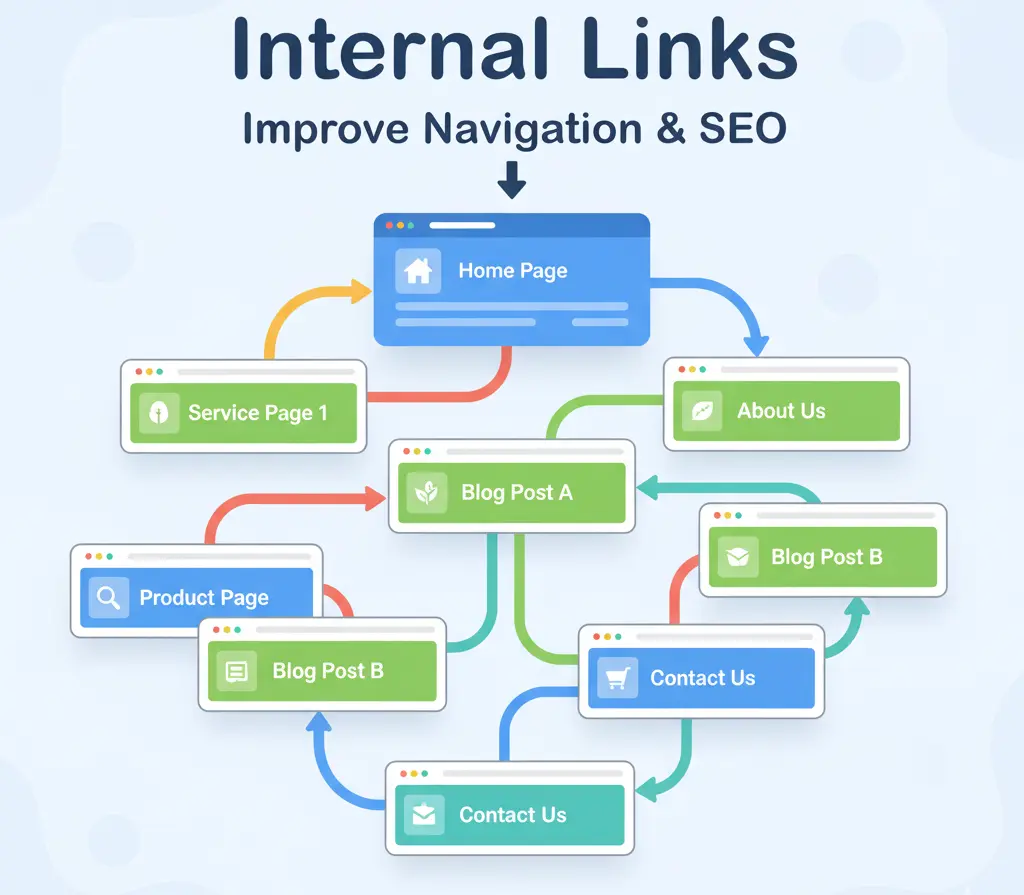
Internal links guide readers to other pages on your site.
Helps users explore more of your content.
Passes SEO authority between pages.
Example: In this blog, you could link to “Affordable SEO Services in Malappuram.”
6. Image Optimization
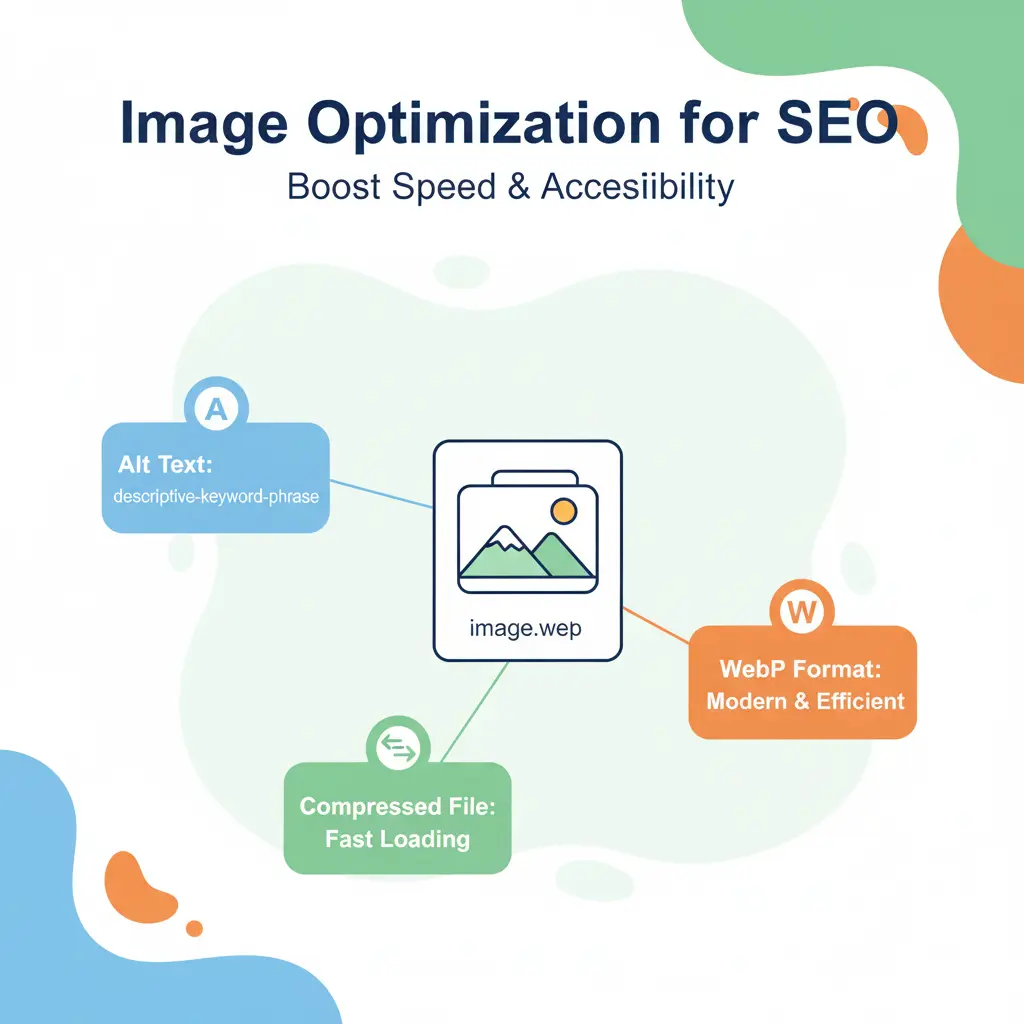
Images make your blog engaging, but they also need SEO:
Add alt text (describe the image, include keywords).
Compress for faster load speed.
Use modern formats like .webp.
7. Mobile-Friendliness & Page Speed
Over 60% of traffic comes from mobile. Make sure your site is responsive.
Use Google PageSpeed Insights to check your loading time.
Faster sites rank better and keep users engaged.
Common On-Page SEO Mistakes to Avoid
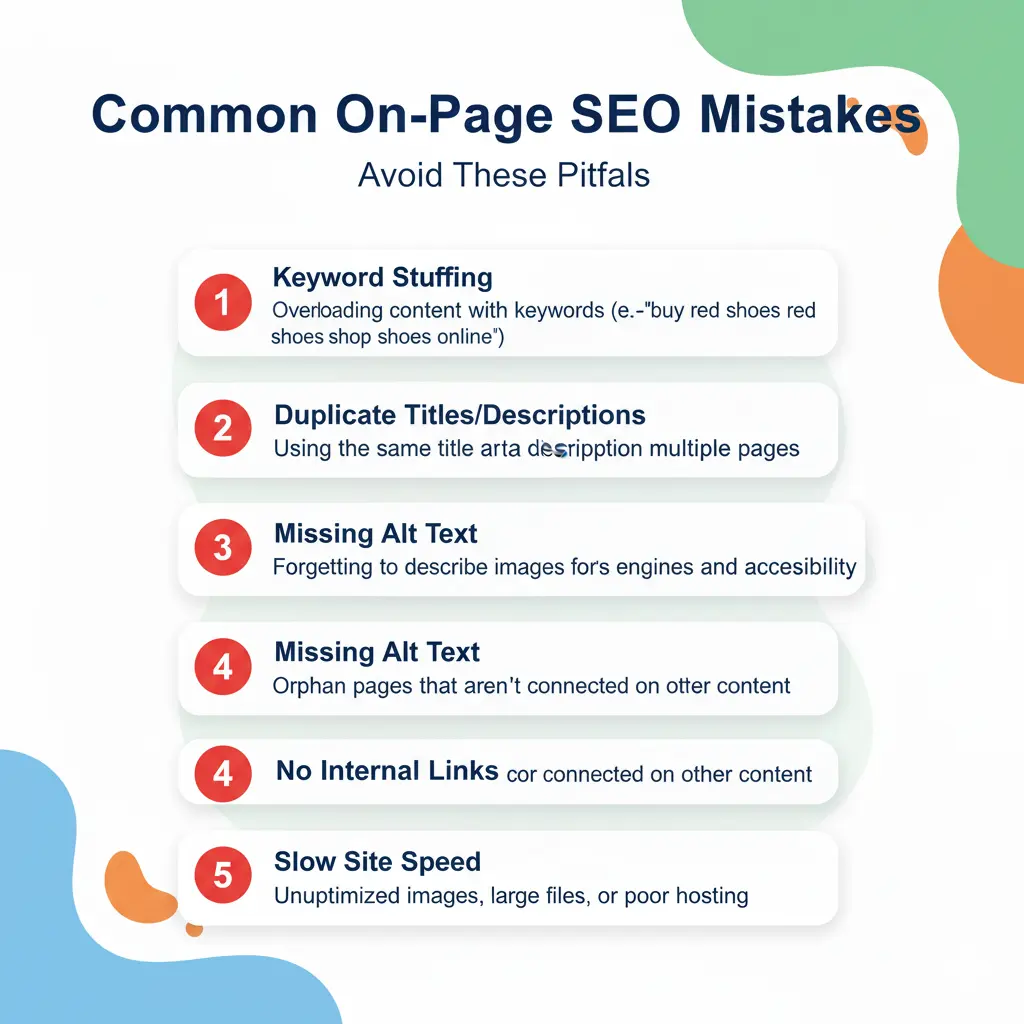
❌ Stuffing keywords unnaturally.
❌ Using duplicate titles or meta descriptions.
❌ Ignoring image alt text.
❌ Forgetting internal links.
❌ Having a slow, unoptimized website.
📌 Remember: SEO is about balance. Over-optimization can hurt your rankings just as much as under-optimization.
Beginner-Friendly On-Page SEO Tools
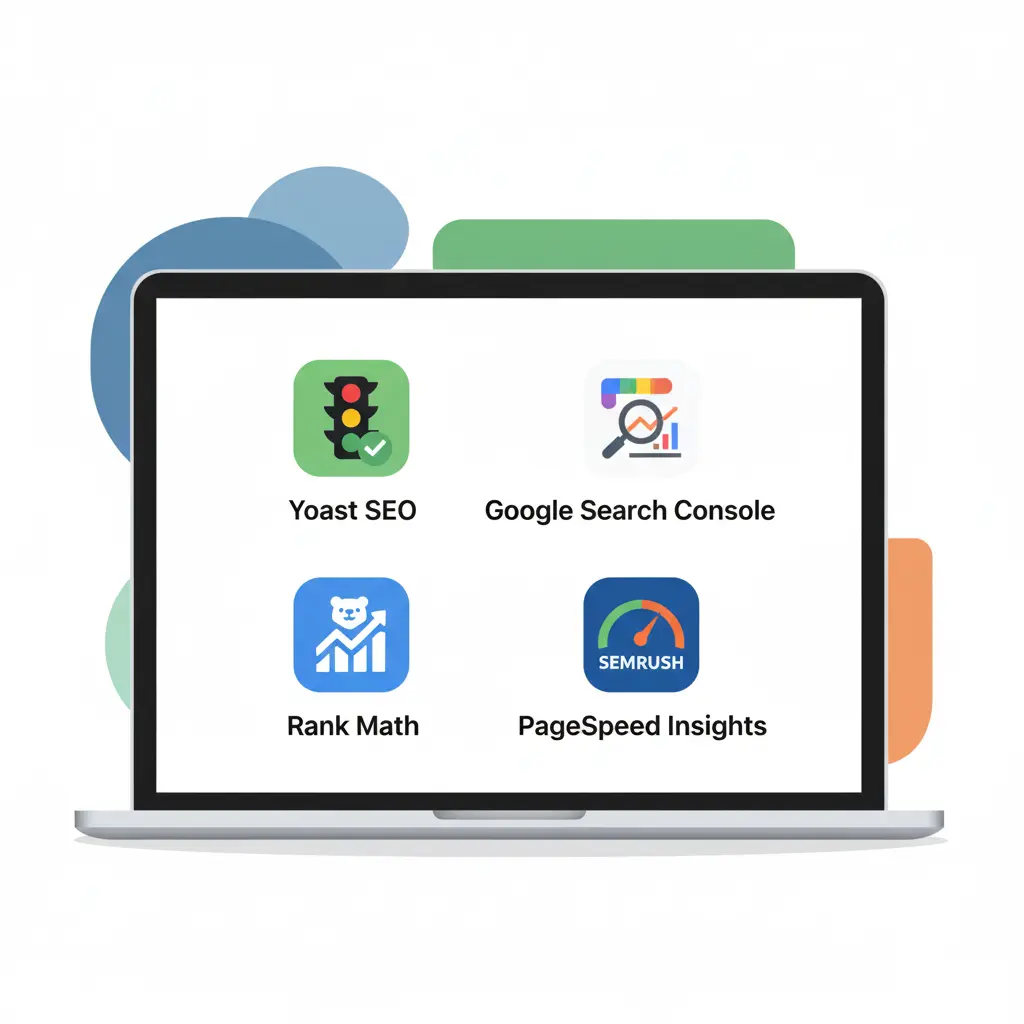
You don’t need to be a technical expert—these tools make it simple:
Yoast SEO / RankMath → WordPress plugins for easy on-page optimization.
Google Search Console → Track indexing & keyword performance.
Ubersuggest / SEMrush → Keyword research and content ideas.
PageSpeed Insights → Test and improve site speed.
FAQs About On-Page SEO
1. How long does it take to see results?
Usually 1–3 months, depending on competition.
2. Is on-page SEO enough on its own?
It’s essential, but you’ll need off-page SEO (backlinks, social signals) for maximum results.
3. Do I need coding skills?
Not really. Most optimizations can be handled with WordPress plugins.
4. How often should I review my on-page SEO?
Every 6 months, or whenever Google releases a major update.
Conclusion
On-page SEO is the foundation of every successful SEO strategy. By optimizing your titles, headings, content, images, and overall structure, you’re making your website both reader-friendly and Google-friendly.
The best part? These steps are beginner-friendly, affordable, and effective.
👉 Start implementing these tips today, and you’ll notice improvements in your rankings and traffic over time. If you need expert help setting up your on-page SEO strategy, I’d be happy to guide you.